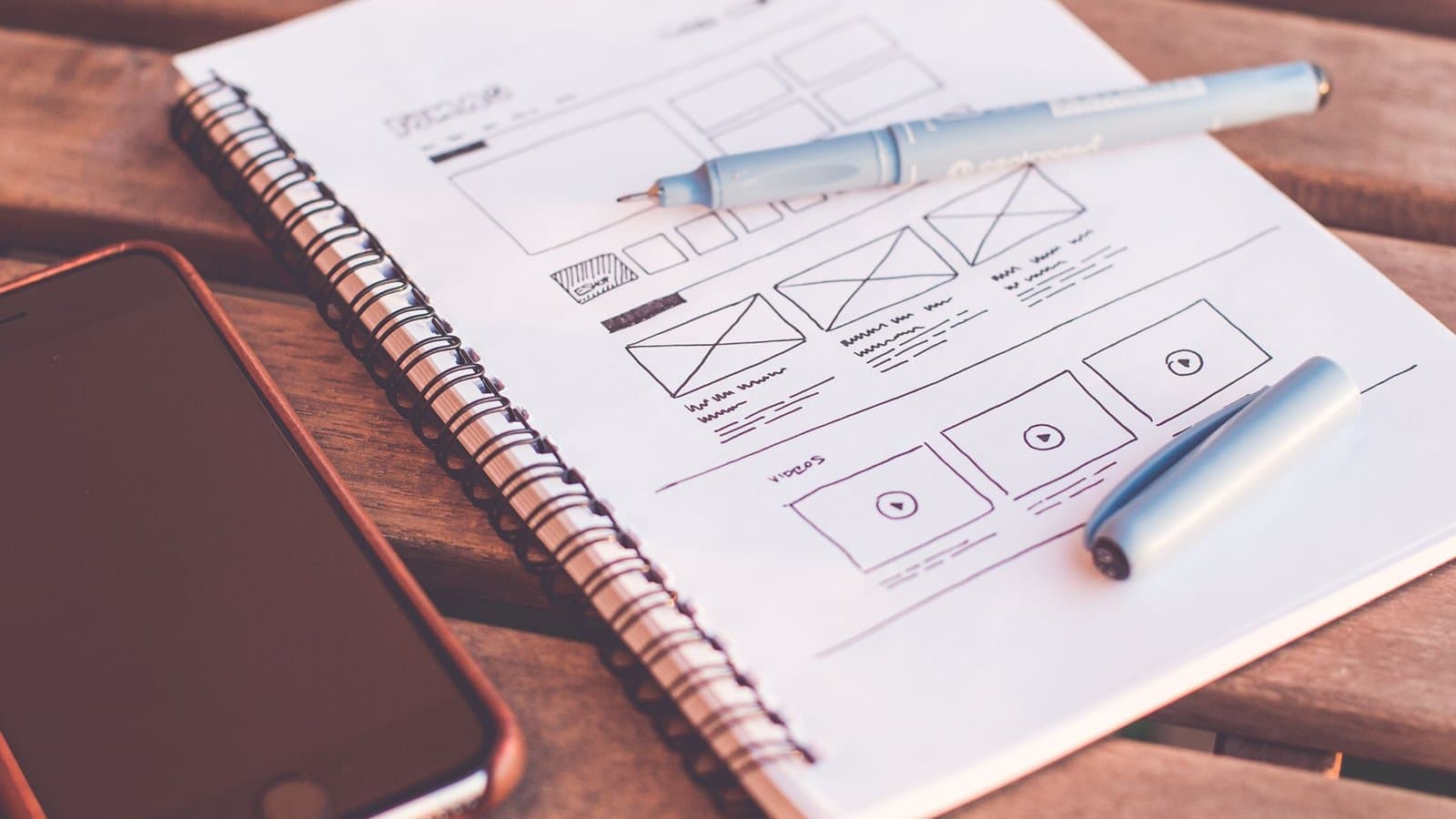
Cover photo: picjumbo.com / Pexels (stock photograph).
You're comparing 2 website quotes, and both promise a beautiful website. WordPress suits a business that needs a ready-made publishing system. A custom build deserves a closer look when specific layouts or business rules need development beyond an existing setup. Either approach supports a clean website when the design and implementation are handled well.
The useful comparison goes beyond the homepage. It includes how someone updates a service and who fixes a problem after launch.
One distinction matters: WordPress also supports custom design and code. Here, the comparison is between a site built around WordPress's themes and editor, and a separately developed website, such as a Next.js frontend. A custom frontend can even use WordPress to manage its content. The categories overlap.
What a beautiful website needs to do
A visitor should be able to understand your service and reach the inquiry form on a phone. Clear headings and readable text do more for that task than an animation that delays the contact button.
A clean website gives each page a clear job. On a service page, that might mean explaining the scope and answering buying questions before the inquiry form. A large photograph with no useful service details leaves that work unfinished.
WordPress and custom development both support these choices. A beautiful website starts with the content and layout decisions, rather than a particular technology.
WordPress pros and cons for a beautiful website
WordPress brings publishing tools into the project from the start. Its publishing and customization features cover content management and ways to extend the site with plugins or code.
WordPress pros
- An editor for routine updates. Staff can change a service description or publish an article through the dashboard. The block editor provides content elements such as headings and images. Routine text edits don't need to become code changes.
- Existing tools for common needs. A suitable theme or form plugin provides a starting point. Reusing a feature that fits the requirement reduces the amount of new functionality to build and test.
- Room for a distinct design. WordPress supports custom themes and development. A beautiful website built with WordPress can have its own layout rather than copying a theme demo.
WordPress cons
- The chosen setup needs upkeep. The WordPress installation and its extensions need an update plan. Backups and checks of important functions still matter when updates run automatically. A working contact form needs verification after a change.
- The editor has boundaries. A staff member might change a heading but need a developer to change the page structure or a form's business rules. Editing freedom depends on what was built and which controls are available.
- Extensions add decisions. A booking plugin may cover the main requirement but miss a particular approval rule. Adding workarounds means more behavior to document and support. Plugin count alone doesn't establish site quality.
WordPress is a sensible starting point when the main work is publishing service pages and articles, and the required features fit an agreed setup. Its advantage is the publishing foundation already available to the team.
Custom website pros and cons
A custom build gives the developer direct control over the parts they implement. It still uses existing tools, and it still needs a clear scope. A beautiful website built this way earns its cost when those choices serve an actual requirement.
Custom website pros
- The workflow follows defined rules. An inquiry form might route submissions according to the service requested. An account area might show different information to different customers. These rules can be designed together instead of fitted around unrelated extensions.
- The interface follows the approved design. Developers can build reusable page sections and specify their mobile behavior. That control is useful when a form or service comparison needs a particular layout.
- The content setup is a choice. A custom site can use a CMS, meaning a content management system, or files such as Markdown. The right choice depends on who publishes. Custom development doesn't require every future text edit to involve a developer.
For a concrete example, Pixel Studio Web's inquiry implementation includes server-side validation and stored submissions. Those are separate responsibilities to scope and test. An attractive form on the page reveals little about either one.
Custom website cons
- Editing needs deliberate scope. A framework such as Next.js doesn't, by itself, give staff a publishing dashboard. The proposal should identify the editor and show how someone will change a service description.
- Project-specific behavior needs development. A booking approval rule takes work to define and test. A wider custom scope can require more time and budget; the label alone doesn't establish either.
- Maintenance continues. Framework updates and third-party integrations still need attention. A clean website also needs someone responsible for deployment and recovery when a release fails.
Pixel Studio Web's website build process starts with discovery and agreed scope before design. That sequence matters here: the required work should justify the implementation.
Compare the work behind each quote
The following table gives a starting point for comparing proposals. It describes common differences, not limits on what either approach can achieve.
| Decision | WordPress-led setup | Separately developed website |
|---|---|---|
| Updating an article | Publishing tools are part of WordPress. | The CMS or file-based workflow must be specified. |
| Creating a distinct layout | Use a suitable theme or commission custom theme work. | Build the agreed layout using selected development tools. |
| Adding a business rule | Check whether an extension fits or custom code is needed. | Include the rule and its tests in the development scope. |
| Ongoing work | Maintain WordPress and its chosen extensions, plus hosting. | Maintain the framework and integrations, plus hosting. |
| Changing developers | Handoff quality depends on documentation and access. | Handoff quality depends on documentation and access. |
Cost follows those details. A WordPress project with extensive custom functionality may involve more work than a small custom brochure site. Neither label gives a reliable price comparison. The website pricing and scope should make included work and separately quoted features clear.
Keep a clean website manageable after launch
A beautiful website can become difficult to maintain if routine changes were never discussed. One useful review is an editing demonstration: someone on your team changes a service paragraph and previews it on a phone.
The handoff should also identify who handles software updates and who responds when the inquiry form fails. That responsibility belongs in both proposals.
Performance and security need the same attention. A custom build doesn't guarantee faster pages or better protection. A WordPress plugin doesn't guarantee search rankings. Images, scripts, hosting, and implementation all affect the delivered site.
The scope of custom website development should describe the editing setup and any integrations alongside the visible pages. That is how a beautiful website stays useful once the project is handed over.
Final thought
A beautiful website becomes harder to move when the domain account or source files are held by someone you can no longer reach. A usable handoff names the account owners and records how a replacement developer gets access. The next update shouldn't depend on one person's inbox.
Plan the site around your team's work
The page list and editing needs give a website proposal something concrete to answer. Pixel Studio Web uses discovery to define those requirements before design and development begin.
Contact us through our website inquiry form with your page list, who will update the content, and any workflow the site needs to support.